ZoomInfo pricing starts with an uncomfortable fact: there is no public price list to compare before a sales call. Buyers typically encounter annual contracts from $15K to $50K+, with the final figure shaped by seats, data access, product bundles, credits, and negotiated terms.
That makes the software evaluation less tidy than a standard per-user purchase. A revenue leader has to evaluate the platform, then evaluate the contract sitting underneath it. The second part is where expensive surprises tend to show up.
ZoomInfo can make sense for teams that need broad company and contact data in a single system. But a large annual commitment deserves a clear operating case. What data will your team use? Who owns it? How quickly will reps burn through credits? What happens when the renewal arrives and the workflow has changed?
The ZoomInfo profile is a useful starting point when $15K to $50K+ sits inside a broader sales-tech budget rather than a standalone data purchase.
TLDR
ZoomInfo pricing usually means a negotiated annual contract, with typical spend between $15K and $50K+. Budget the monthly equivalent, the data you need, credit terms, add-ons, and renewal exposure before signing. Apollo and Clay can fit narrower workflows at far lower entry points.
What ZoomInfo Pricing Costs in Practice
The practical ZoomInfo price is an annual commitment, not a clean monthly subscription. Reported contracts typically run from $15K to $50K+, and enterprise arrangements can move beyond that range.
The range exists because ZoomInfo sells more than a contact database. A buyer may need prospecting data, company intelligence, buyer-intent information, workflow tools, enrichment, integrations, or some combination of them. Each addition changes the commercial conversation.
Seats matter too, but seat count alone is a poor way to compare proposals. A small team with broad data rights and expensive add-ons can carry a heavier contract than a larger team with a narrower use case. The right question is whether the proposed package matches the people who will use it every week.
Start with the work. A sales development team might need direct-dial access and list building. RevOps might care more about enrichment and data hygiene. A sales leader may want territory planning, account research, and intent signals. Those are different purchases wearing the same vendor logo.
A contract becomes hard to defend when the bundle contains tools that nobody owns. Sales assumes RevOps will run enrichment. RevOps assumes sales will build lists. Nobody has a usage target. The platform then becomes a pricey tab in the budget review.
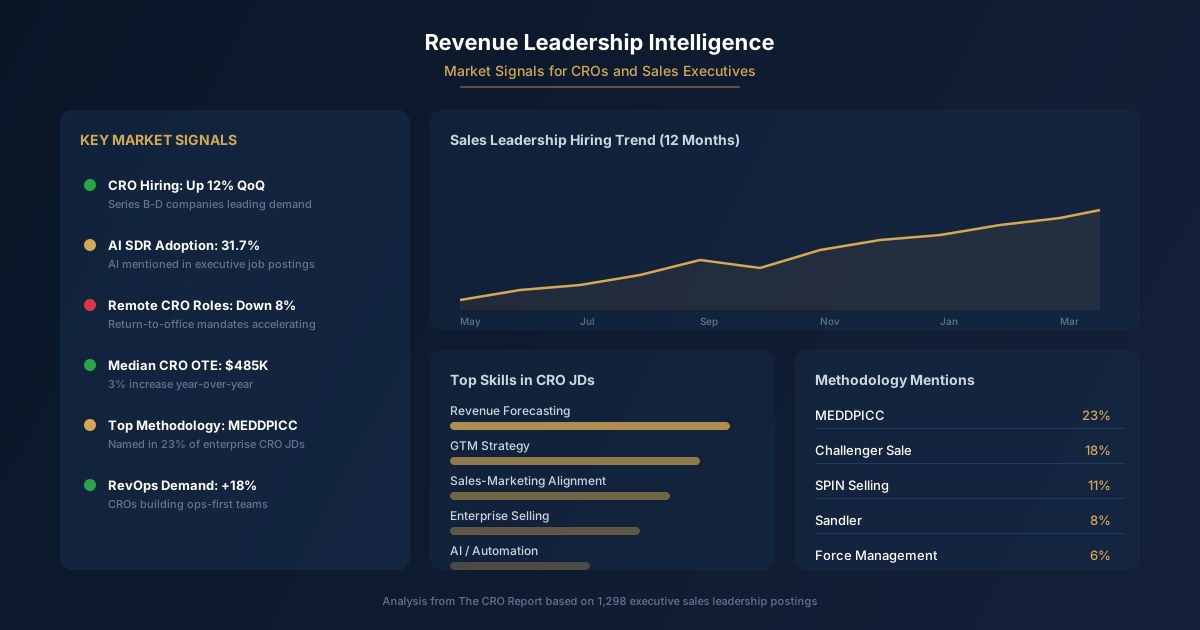
ZoomInfo’s footprint in executive sales hiring also looks modest in one tracked sample: it appeared in 5 of 1,298 tracked VP Sales job postings. That does not settle whether ZoomInfo is useful. It does suggest that buyers should avoid treating it as an automatic part of every serious sales stack.
Those tools sit closer to a company’s core operating system. ZoomInfo may be valuable, but it needs a more specific job to justify its budget. “Our reps need better data” is a starting point. It is not a buying case.
A better buying case names the accounts, contacts, workflows, and revenue motion the team expects to improve. It also names the owner who will make the system part of that motion. Without that, the sales rep gets to define value for you. That is rarely the cheapest version of the deal.
How to Budget a ZoomInfo Contract by Month
Annual pricing can hide the operational cost of a contract. A buyer evaluating $15K to $50K+ should translate the annual commitment into a monthly budget view, then compare that figure against how the team will use the product in an ordinary month.
The exercise is simple in concept. Take the annual commitment and view it as a recurring monthly obligation inside your revenue budget. That framing changes the conversation from “Can we approve this platform?” to “What has to happen every month for this spend to earn its place?”
A monthly view also exposes adoption risk. If the system is mainly used during a campaign launch, territory refresh, or one hiring cycle, the annual commitment may be doing very little work during the rest of the year. A contract can look rational in a quarterly planning deck and wasteful in a quiet month.
The table below helps separate the internal roles that should weigh in before signing.
Buyer group
Primary concern
What to clarify before approval
Revenue leader
Pipeline creation
Which teams will use the data and what work changes
RevOps
Data quality and workflow ownership
Which fields, systems, and processes depend on the platform
Sales manager
Rep adoption
Which tasks reps will perform inside the product
Finance
Budget exposure
Contract term, payment schedule, renewal language, and add-ons
Procurement
Commercial risk
Usage rights, exit conditions, and terms that can change at renewal
A vendor quote can include different payment structures, so ask how the payment schedule relates to the contract commitment. Finance cares about cash timing. The operating team cares about value timing. Both need a direct answer.
It is also worth separating the base platform from the total program cost. Internal implementation time, data governance, enablement, integration work, and ongoing administration may sit outside the proposal. If RevOps has to clean up fields, manage imports, and police duplicate records, that work belongs in the purchase decision.
The monthly budget view works best when it is tied to a named operating goal. Maybe the team wants better account coverage. Maybe it wants cleaner records for an outbound motion. Maybe it needs faster research before enterprise calls. Pick the job and ask whether ZoomInfo is the best economic answer for that job.
Do not let a broad platform claim substitute for a narrow use case. Broad platforms are easy to admire in a demo. They are harder to operationalize when every department wants something different from the same contract.
Credits, Add-Ons, and Renewal Questions
Credits are where a simple data purchase can turn into a maze. Before signing, ask what actions consume credits, how usage is measured, whether unused credits expire, and what happens when the team runs out. Those answers affect the true cost as much as the annual quote.
The important detail is the unit of consumption. A rep may assume access means unlimited usage. A finance partner may assume the contract covers the year. An admin may learn later that key actions carry separate usage rules. Get the rules in writing, using the terms your team will see in the product.
Ask for an example based on your intended workflow. If sales plans to build lists, export contacts, enrich records, and research accounts, have the vendor show how each action affects the included allowance. Vague language is a bad place to save time.
Add-ons deserve the same scrutiny. Many buyers start with one use case, then discover a new need after deployment. Intent data, enrichment, integrations, workflow features, expanded access, or additional teams can change the economics quickly. Decide which capabilities are essential on day one and which can wait.
A good commercial review distinguishes between a must-have capability and an interesting demo moment. The demo is built to show the broadest version of the product. Your contract should reflect the narrowest package that supports the workflow you are buying.
Renewal is the other pressure point. The first deal may include concessions, bundled features, or flexible terms that disappear later. Ask how pricing can change at renewal, what notice period applies, and which terms can be revised. A procurement review should treat the renewal language as part of the initial purchase.
Usage data will matter when renewal comes around. Set up a regular review of who is using the product, which workflows depend on it, and which features sit idle. That gives you a real negotiating position instead of a vague impression that the team likes having the tool around.
The goal is not to squeeze every feature into the first contract. The goal is to know what you are paying for, who owns it, and what evidence will decide whether it stays.
When a $49/mo or $149/mo Alternative Fits Better
A lower-cost alternative can fit better when your problem is narrower than ZoomInfo’s platform. Apollo has a $49/mo paid starting point, which gives smaller teams a much easier place to start when the immediate need is prospecting and outbound work.
That does not make Apollo a replacement for every ZoomInfo deployment. It changes the burden of proof. A buyer considering a large annual commitment should explain why a lower-entry option cannot handle the workflow before moving upmarket.
Clay has a $149/mo waterfall-enrichment alternative. That can fit teams whose core problem is data enrichment rather than a full prospecting platform. The Clay vs ZoomInfo comparison is especially relevant when $149/mo is being weighed against a far larger annual contract.
The distinction comes down to workflow ownership. If RevOps needs to enrich records across several providers, a waterfall approach may offer more control. If sales needs one broad system for contact discovery, account research, and prospecting activity, ZoomInfo may be easier to standardize around.
A team can also use multiple tools, though that adds operational work. Separate systems create separate data rules, duplicate prevention issues, and more questions about which source wins when records conflict. The cheapest entry point can become expensive if nobody owns the process.
The data enrichment tools landscape is worth reviewing when $149/mo solves the underlying enrichment problem without requiring a broad enterprise data contract.
ZoomInfo wins when its breadth maps to a defined, heavily used revenue workflow and the organization has an owner for the data. Apollo wins when the team needs an accessible outbound starting point. Clay wins when enrichment flexibility is the center of the job.
The expensive mistake is buying a platform because it feels like the standard choice, then discovering that the team only needed one narrow capability. A contract should follow the workflow, not the other way around.
Key Takeaways
ZoomInfo contracts typically run from $15K to $50K+, so the annual commitment deserves a monthly operating view.
Credits, add-ons, data rights, and renewal language can change the effective cost after the contract is signed.
ZoomInfo uses custom enterprise pricing, typically $15,000 to $50,000 or more per year depending on the number of seats, credit allocation, and data access tier. Entry-level contracts usually start around $15,000 per year for small teams. Enterprise deals with bundled products (Chorus.ai, MarketingOS) can exceed $100,000 annually.
Is ZoomInfo worth it for a startup?
For most startups, no. Apollo.io ($49 per user per month with a free tier) and Clay ($149 per month) cover core data enrichment needs at a fraction of the cost. ZoomInfo's value increases with team size and enterprise data requirements. A 5-person startup team will get more ROI per dollar from Apollo than from a $15,000+ ZoomInfo contract.
How does ZoomInfo pricing compare to Apollo?
ZoomInfo starts at roughly $15,000 per year. Apollo starts free and scales to $49 per user per month. For a 5-person team, that's $15,000 or more versus approximately $3,000 per year. Apollo trades data depth for affordability. ZoomInfo has stronger enterprise contact data, direct dials, and intent signals. Apollo includes built-in email sequencing and a dialer that ZoomInfo charges extra for.
Does ZoomInfo require annual contracts?
Yes. ZoomInfo contracts are typically annual with auto-renewal clauses. Month-to-month billing is not standard. Most contracts include automatic renewal terms that can increase pricing by 5-10% per year. Written cancellation notice is required 60-90 days before the renewal date.
What alternatives to ZoomInfo are cheaper?
Apollo.io (free to $49 per user per month) for basic enrichment and all-in-one prospecting, Clay ($149 per month) for waterfall enrichment across 75+ providers, and Warmly ($499 per month) for website visitor intelligence. Each covers a subset of ZoomInfo's functionality at lower cost. The right choice depends on your team size, data requirements, and technical capability.
The CRO Report newsletter tracks pricing changes, tool adoption, and what's working in B2B sales tech. Updated weekly with data from 1,298 executive sales postings.
Disclosure: The CRO Report has no affiliate relationship with ZoomInfo, Apollo.io, Clay, Demandbase, or any other vendor mentioned in this article. No compensation was received for this analysis. Pricing data is sourced from public G2 reviews, Reddit discussions, Vendr buyer reports, and community conversations. All figures are estimates based on these sources, not official pricing from ZoomInfo. Job mention data comes from 1,298 executive sales postings tracked weekly by The CRO Report, where ZoomInfo appears in 5 postings. For comparison, Salesforce appears in 180, Outreach in 65, and HubSpot in 48. Updated February 1, 2026.
The CRO Report is run by Rome Thorndike, VP Revenue at Firmograph.ai. 15+ years in B2B sales leadership including Salesforce, Microsoft, Snapdocs, and Datajoy (acquired by Databricks). MBA from UC Berkeley Haas.